Guide
Play with friends: private rooms, invite rewards and Quick play

Sandeep Sahu
· 7 min read
Chalo Jantar Mantar is a better game with people you know: a kafila of friends raising the same naara, or a friend holding the police line against you. I built three things for that: private rooms that only a code opens, an invite link that gives you and a new friend XP, and a Quick play button for when you just want an even match. Here is how each one works, with the exact rules the game uses.
Make a private room
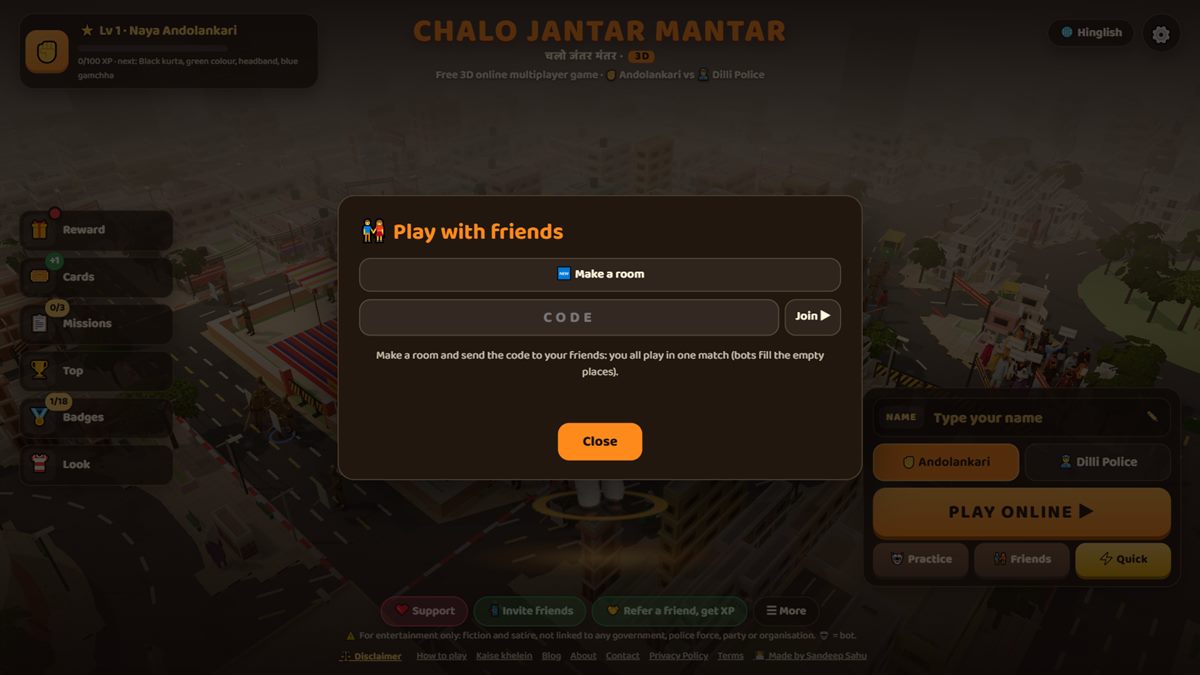
On the menu, type your name and pick your side first, ✊ Andolankari or 👮 Dilli Police, because the room puts you on the side you picked. Then tap 👫 Friends, under PLAY ONLINE, and choose 🆕 Make a room. You go straight into a new match, and the room gets its own code.
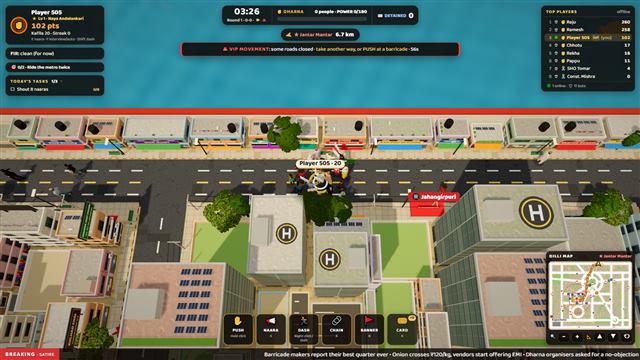
The code stays on your screen for the whole match, under your player card: 🔒 Room K7PQ2 · 📲 Invite. Tap it to invite people. On a phone it opens your phone's share sheet with a short message and a link, so you can send it on WhatsApp or anywhere else. On a computer it copies the message and says "Invite link copied", ready to paste into a chat.
Join a friend's room
There are two ways in. The easy one is the link. When your friend opens it, the game opens the Play with friends popup by itself, with the code already filled in, and says "A friend invited you: room K7PQ2 → press Join". One tap and they are in.
The other way is to type the code: open 👫 Friends, type it in the CODE box and tap Join ▶ (or press Enter on a computer). Codes get read out over the phone and copied from chats, so I made them hard to get wrong:
- A code is always 5 characters, capital letters and digits. I left out 0 and O, and 1, I and L, so nobody mixes them up.
- The box turns small letters into capitals and drops spaces and dashes, so a pasted code still works.
- If the code is too short, the game tells you. If no room has that code, it says the room wasn't found and that maybe everyone left. A room lasts only while people are playing in it, so then just make a new one.
Your friends pick their side on the menu before they join, the same as you. Play on one side together, or on opposite sides if you would rather beat each other.
What a room is like inside
A private room is the same game as PLAY ONLINE: the same city, the same best-of-three rounds and the same rules. What changes is who can be in it:
- Up to 15 real players a side, 30 in all.
- Bots fill the empty places. Each side is topped up with bots to six players, and a bot steps aside when a real person joins, so even two friends get a full match. Bots are marked 🤖 in the player list.
- No strangers. PLAY ONLINE and Quick play never put anyone in a private room. The only way in is the code, so share it with the people you want and nobody else.
- Changing sides: on a computer, press T during a match to switch, if the other side has room.
If I put out an update while your room is playing, your match finishes first, and then everyone in it moves together to a new match with the same room code.
Do room matches count?
Yes. A match in a private room is an online match, so it counts like any other. Your points go on the week's leaderboard (a new week starts every Monday), and you get the full XP for the match; practice against bots gives half. Jugaad cards work too, and a card you earned can be given to a teammate in the same match, which is easier when that teammate is a friend. The details are in the guides to levels and rewards and Jugaad cards.
Why the andolan is stronger with friends
Some moves in the game need more than one person, and they are far easier when you can talk to each other:
- 🔥 Josh. When three or more andolankari raise a naara within four seconds of each other, close together, and at least one of them is a real player, each of them gets 6 more people in the kafila and 10 points, with a golden wave and a roar from the crowd. Bots near you answer your naara, so you can start a Josh alone, but with friends you can count to three and shout together.
- 🆘 Saathi ko chhudao. When the police constables carry an andolankari away, a teammate with a kafila of 10 or more who reaches them sets the captive free and gets 60 points. A friend who knows you are in trouble comes faster than a bot.
There is more on both sides of the game in the andolankari tips and the Dilli Police guide.
Refer a friend and get 100 XP each
The second feature is for friends who have never played. On the menu, tap 🤝 Refer a friend, get XP. It shows your own link: mantarjantar.in/?dost= followed by eight small letters and digits. The game makes that code on your device, and it is not your device's id. Send it with 📲 Share, or straight to WhatsApp.
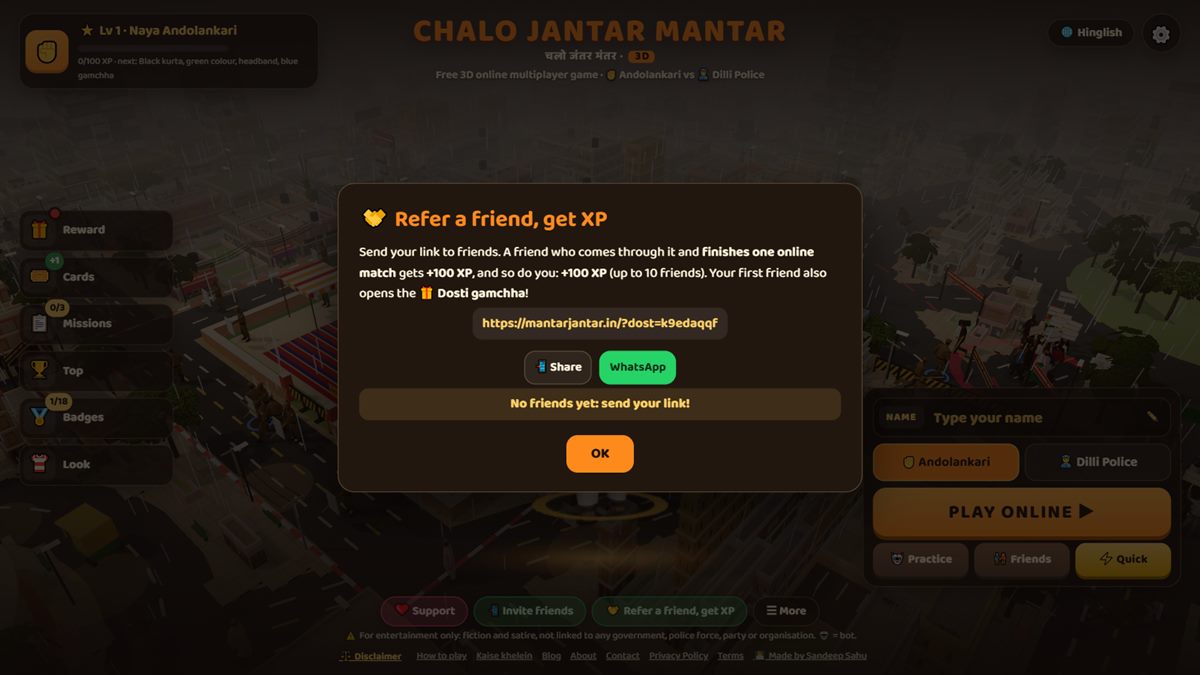
These are the rules, exactly as the game checks them:
- Your friend opens the game for the first time through your link. The link is only remembered on a device that has never finished a match, and your own link does nothing on your own device.
- Your friend then finishes an online match and scores points on this week's leaderboard. Any online match counts: PLAY ONLINE, Quick play or your private room. Practice doesn't. If a match ends with no points, the next one with points counts.
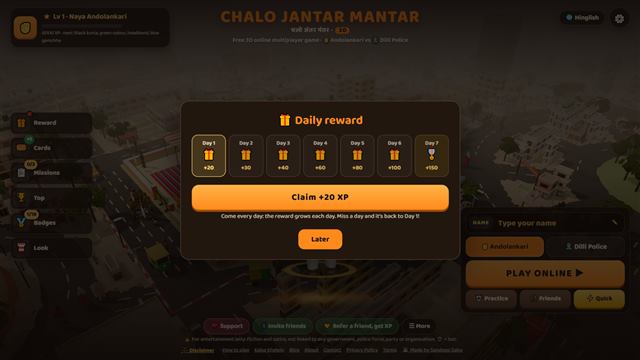
- Your friend gets +100 XP a few seconds after that match. You get +100 XP the next time you are on the menu, or when you open the Refer popup.
- It pays for up to 10 friends, so up to 1,000 XP for you, and each friend counts only once, for one link.
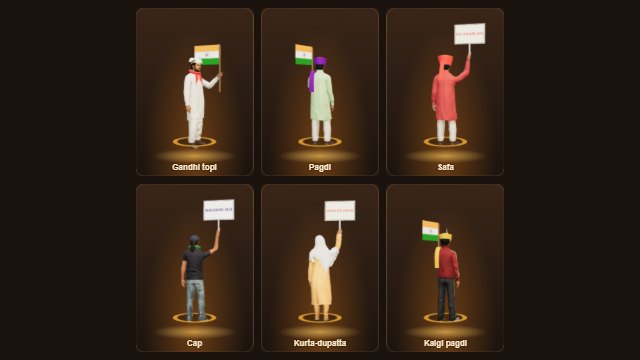
- Your first friend also opens the Dosti gamchha, a teal gamchha you can wear from 👕 Look.
The popup also shows how many friends have come through your link so far.
Which link to send first
There are two different links, and for a brand-new player the order matters. The room link puts a friend in your match; the refer link is the one that pays the XP. If your friend has never played, send the refer link first and let them open the game with it, then give them your room code to type in. If they open the room link first and finish a match there, their device is no longer new, and your refer link can't count them any more.
Quick play: the side that needs you
Sometimes you don't want to choose at all. The ⚡ Quick button, next to Practice and Friends, looks at how many real people are playing on each side right now (bots don't count) and puts you on the side with fewer. If the two sides are level, you play on the side you picked. Either way, your choice on the menu stays as it was for next time. After that it works like PLAY ONLINE: you join a match with a free place on that side.
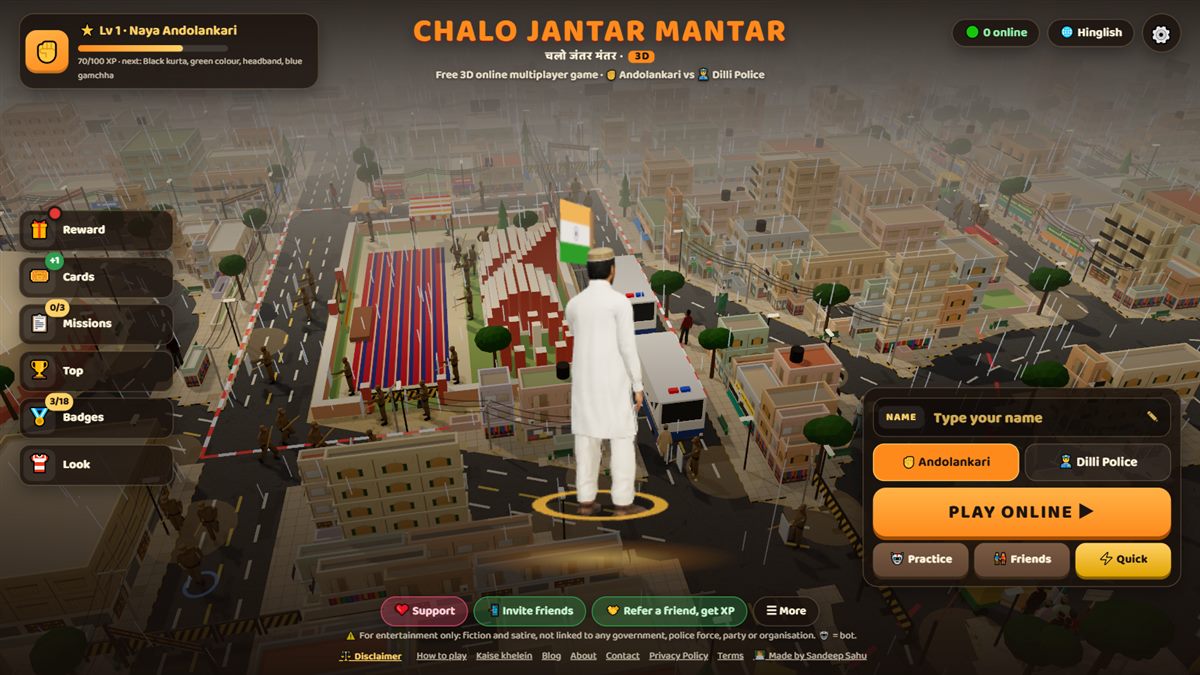
I added it so that the two sides stay closer to even. The menu helps with that too: it shows how many people are playing on each side, and when one side is far behind, a line says so, such as "Dilli Police need players! Join the police →". Like PLAY ONLINE, Quick play never takes you into anyone's private room, so when you want your friends, use 👫 Friends.